Modify an Order
Orders contain all of the details from the checkout process, including a unique reference number, any promo codes that the client used, the affiliate who referred them, and fraud check results (if you have enabled them).
You can modify some parts of the order, but all changes will not appear in the order record. This is because some order details, like the time of the order, are immutable. To change an order record, we recommend placing a new order with the desired attributes.
For more information about orders, see Order Management.
Replace an Order Record
To do this:
1. Create a new order.
Create an order with the desired attributes.
For more information, see Create an Order.
2. Cancel the previous order.
Go to Orders > List All Orders and click on the previous order that you want to delete.
Then, click Cancel Order and click OK.
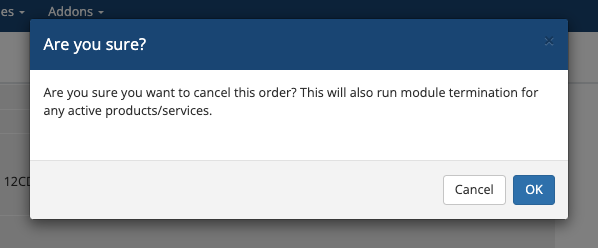
These steps assume that no provisioning has occurred. Canceling the old order will run the Terminate module command to remove the services from the server.
Last modified: 2026 August 4