Mail Import Test Failed Errors
Problem
While configuring support department mail importing via POP, you see the following error:
The Mail Import test failed: cannot select INBOX, is this a valid transport?
You may also see this error in an email notification.
Cause
Usually, this error indicates one of the following problems:
- The mail importing configuration is using the wrong port number (often,
993instead of995). - The mail importing configuration is using an invalid email password.
Solution
To fix this issue:
- Go to Configuration () > System Settings > Support Departments.
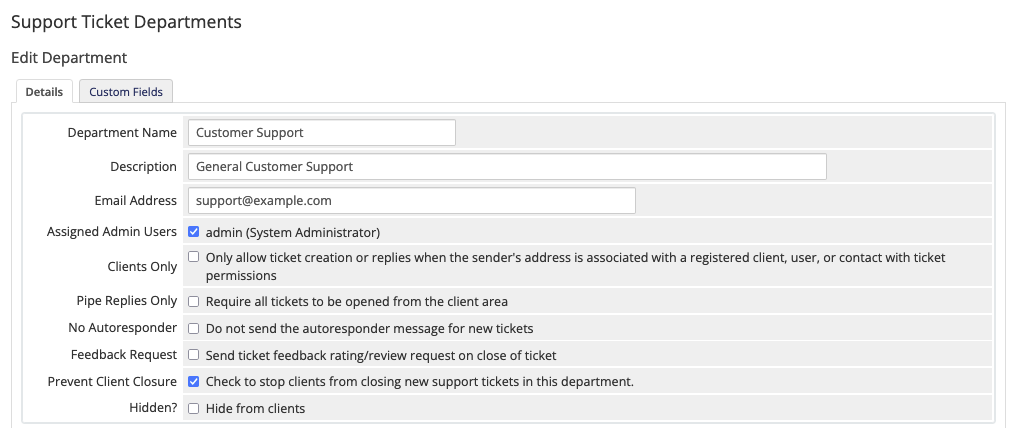
- Click Edit for the department.
- Enter a valid Email Address and Email Pass.
- Change Port to
995. - Click Save Changes.
Last modified: 2026 August 4