Configure Email Notifications
Configuring notifications with email allows you to receive notifications through email messages when events occur within WHMCS.
Configuring Email Notifications
To configure email notifications:
1. Go to the notifications settings.
Go to Configuration () > System Settings > Notifications.
Click Configure for Email.
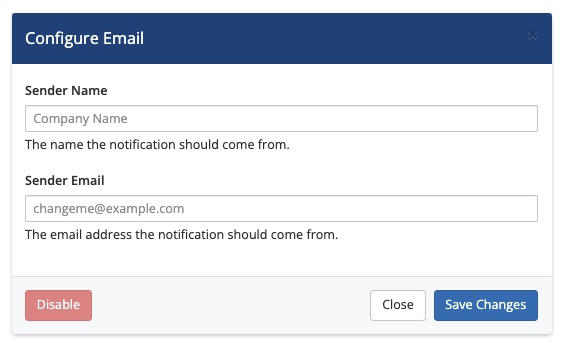
2. Enter a sender name.
For Sender Name, enter the sender name for emails that this notification rule sends.
3. Enter a sender email.
For Sender Email, enter the sender address for emails that this notification rule sends.
4. Click Create.
Click Create.
Last modified: 2026 August 4