Nova Cloud
WHMCS MarketConnect allows you to resell Nova Cloud, an AI-powered website and web app builder from WebPros that requires no coding or design experience. Customers describe what they want to build in a prompt, and Nova Cloud generates a complete, functional project that they can refine and publish to their own domains.
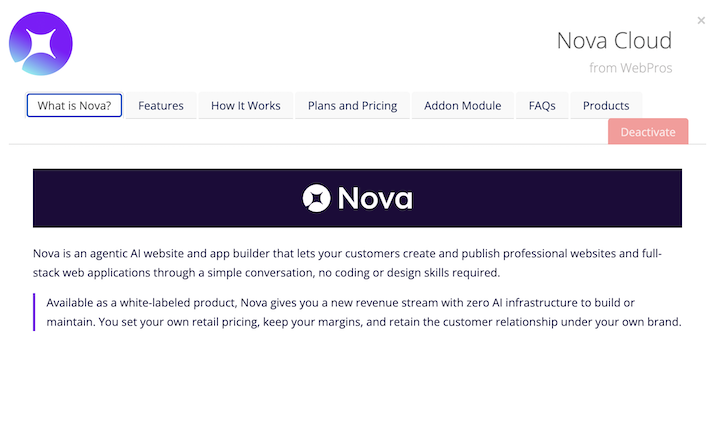
Included Features
| Premade Landing Page | Premade Promotions | Premade Upsells | Free or Trial Plan |
| ✓ | ✓ | ✓ | ✓ |
| Account Creation | Access | Automated Renewals | Automated Upgrades |
| Automated | Client Area SSO or Admin Area SSO | ✓ | ✓ |
Setup and Configuration
To activate and begin reselling Nova Cloud:
- Go to Configuration () > System Settings > MarketConnect.
- Find the service provider in the list.
- Click Start Selling.
- Click Activate Now.
Automation
When a customer orders a Nova Cloud plan, WHMCS and MarketConnect automate account provisioning, licensing, and single sign-on through WebPros’ Key Administrator licensing platform.
Admin Management Actions
For any Nova Cloud order, admins can perform the following actions in the Admin Area:
- Open Nova Cloud — Click to perform single sign-on into the customer’s Nova Cloud instance.
- Suspend / Unsuspend — Suspend or reinstate the customer’s Nova Cloud license. Suspending a Nova Cloud license does not delete project data. The account’s projects become available again when you unsuspend the account.
- Upgrade — Upgrade the customer’s plan.
- Terminate — Cancel the customer’s Nova Cloud license. Terminating a Nova Cloud license permenantly deletes all project data.
Client Management Actions
When a logged-in client with an active Nova Cloud service views the Client Area, they will see an option to log in to Nova Cloud using single sign-on.
Client Area Promotions
MarketConnect supports displaying Nova Cloud promotions in the Client Area homepage, the shopping cart, and when managing a hosting product that does not already include Nova Cloud. These promotions will appear when you enable Nova Cloud in WHMCS MarketConnect in the Admin Area.
Customers who have already purchased a Nova Cloud plan will see upsell promotions with options to upgrade when they check out.
Buying in the Client Area
New and existing customers can purchase Nova Cloud as a standalone product using the Nova Cloud landing page at Website & Security > Nova Cloud. Existing customers can also purchase Nova Cloud by clicking on a Client Area promotion.
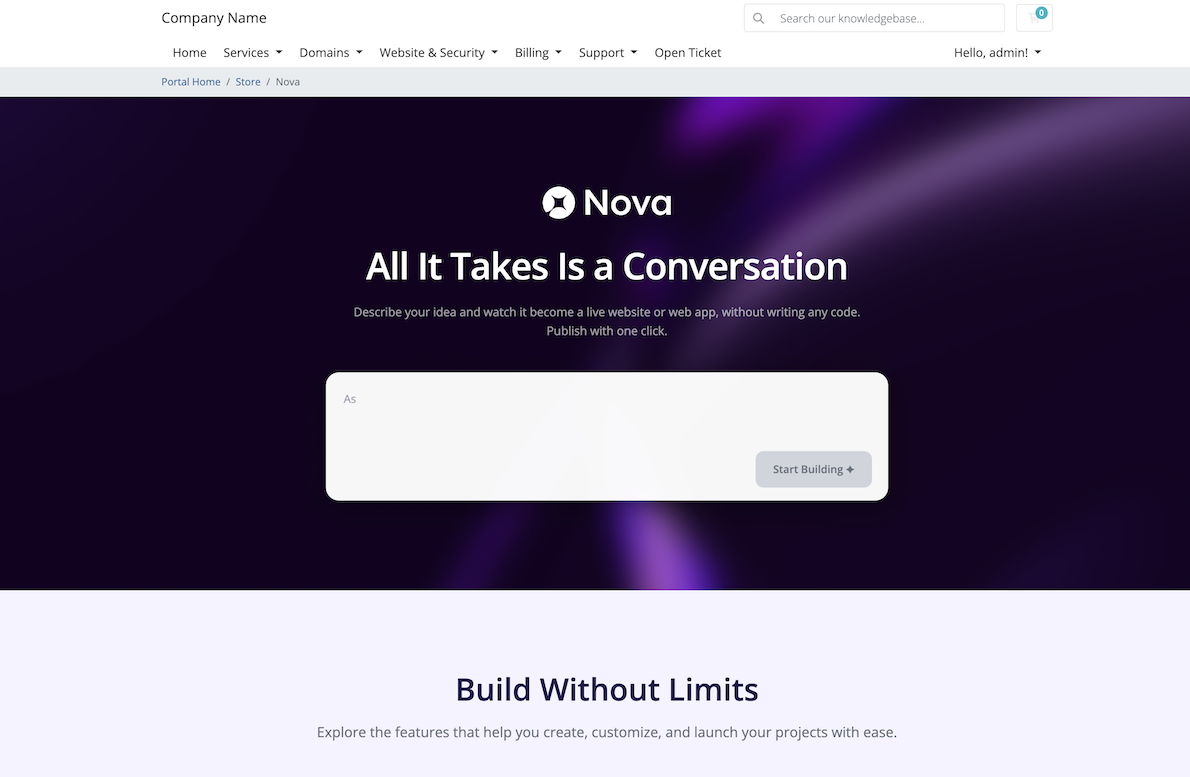
The landing page includes all of the necessary information about available plans, pricing, and features. Nova Cloud offers several plans, each with a monthly allowance of AI credits that customers use to generate and refine their projects.
After a customer purchases a plan, they can start building right away by describing what they want in a prompt.
Nova Cloud: Prompt First Addon Module
If you have enabled the optional Nova Cloud: Prompt First addon module, the Nova Cloud landing page will include a functional prompt text box that visitors can use to enter their first prompt. Instead of browsing plans first, visitors describe the website or web app they want to build, and sign up for Nova as an integrated step in building their first project.
The addon module also allows authenticated Nova Cloud customers to start additional projects from directly on the landing page and enhances the upgrade process.
Troubleshooting
You may encounter the following common issues while reselling Nova Cloud in MarketConnect:
| Error or Issue | Cause | More Information |
Nova Cloud: License External ID capture hook failed or Nova Cloud: Unable to store the License External ID for service | The Nova Cloud: Prompt First addon module could not read the Nova Cloud order’s status after provisioning, so it could not capture the service’s License External ID value. | Nova Cloud License External ID Errors |
The service license is suspended. Please contact support. or a similar Nova Cloud license message. | The customer’s Nova Cloud license is suspended, expired, terminated, missing, or invalid, or the system rejected the customer’s credentials. | Nova Cloud License State Errors |
Nova Cloud: Deep-link handling failed: <error> | An error occurred while the addon module was resolving the identifier that Nova returned from an upgrade or login redirect. | Nova Cloud Deep-Link Failures |
Last modified: 2026 September 25